
What needs your reply, first
Open the app and see what's waiting: buyer requests, requested documents, upcoming meetings, and how your opportunity did this week.
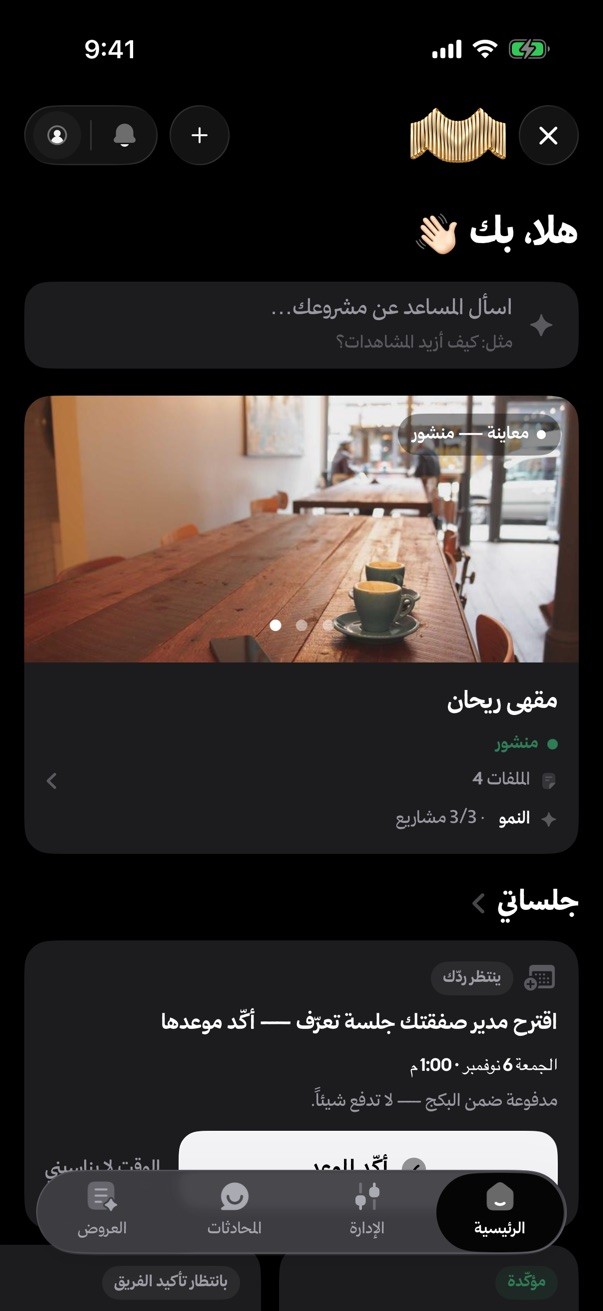
List your project for sale or partnership, or find a project to own. Talk and negotiate, book the meeting, sign the contract and track the amount held with Dhamen, all from your phone with the same account.

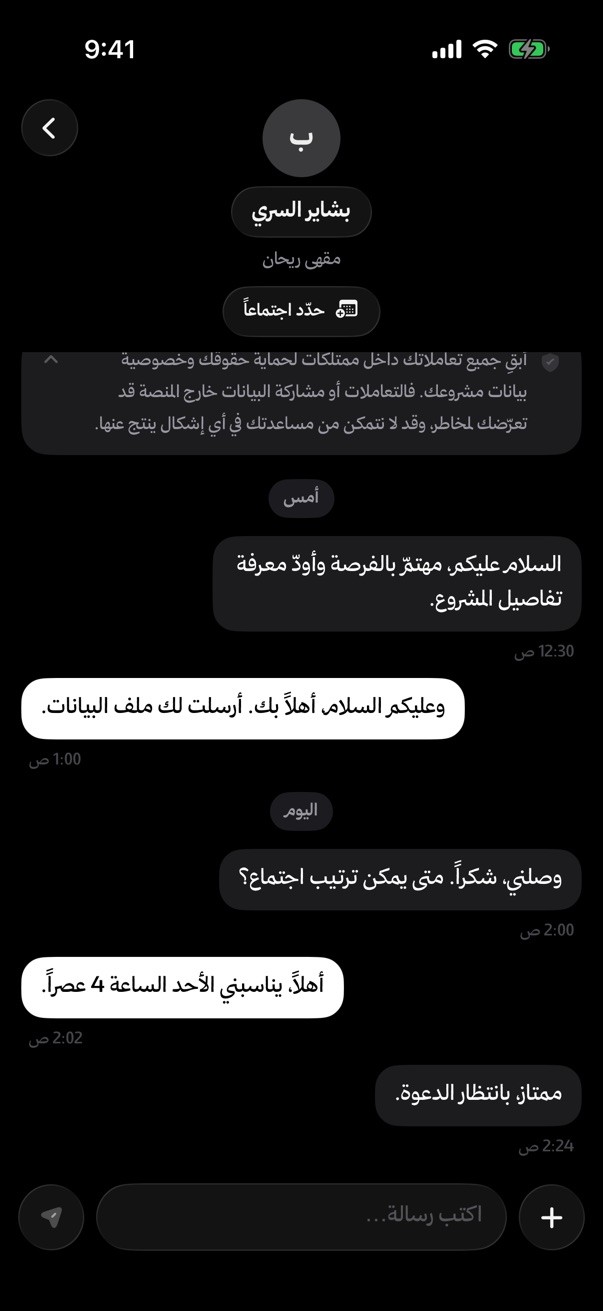

 Interest in your projectVerified buyer · now
Every step of the deal has a screen in the app. Scroll to see.
Browse by sector and city, and filter opportunities by price range and offer type. Save what you like in one tap.
Photos, price, offer type and minimum entry. Documents open inside the app after the NDA, so they can't be downloaded or shared.
About confidentiality
You talk to the other party inside the app, and each of you sees only the other's first and second names until the agreement. Offers and counteroffers happen in the same chat.
About interest and chatPropose an in-person or online meeting and join the room from the app on time. Afterwards you get a summary of what you agreed on to confirm.
About deal meetings
Review the contract in the app, sign it electronically, and see when the other party signs.
About the e-contract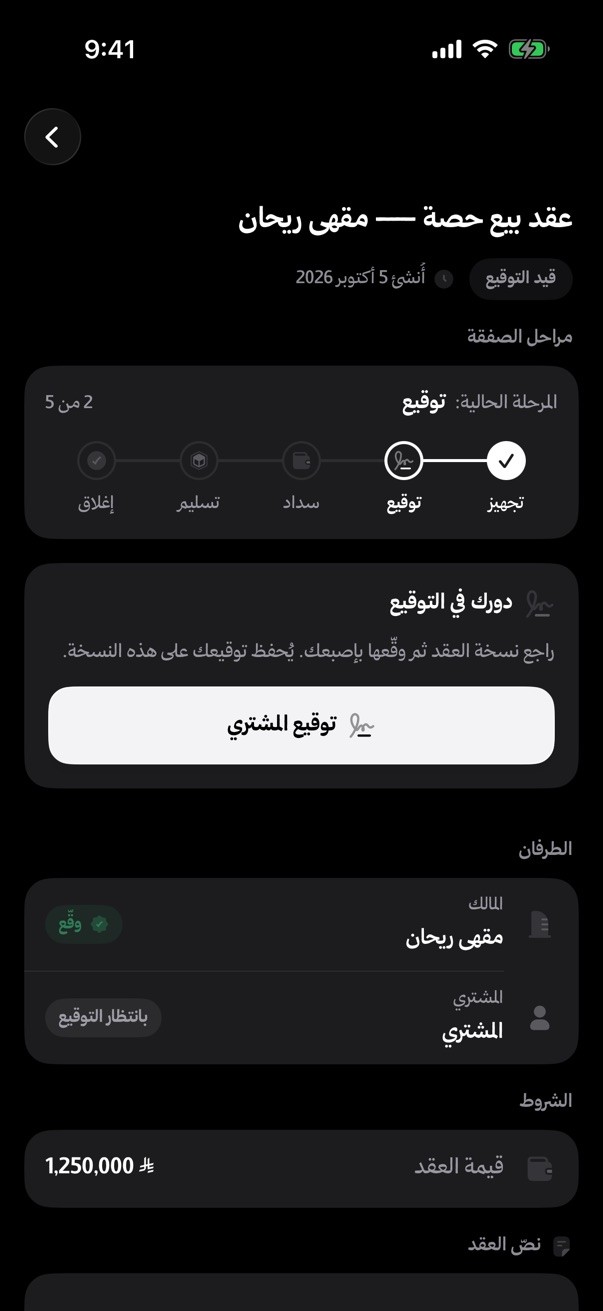
The buyer transfers the amount to an escrow account at Dhamen, not to the seller or to Mumtalakat, and it's released only after ownership transfers.
About paying through Dhamen
The deal tracker shows the stage you're at and the next step, from negotiation to closing.

Every important notification has two buttons: act on it right away, or put it off until it suits you.
Open the app and see what's waiting: buyer requests, requested documents, upcoming meetings, and how your opportunity did this week.
Photograph your commercial registration or financial statements; it becomes a PDF and uploads right away.

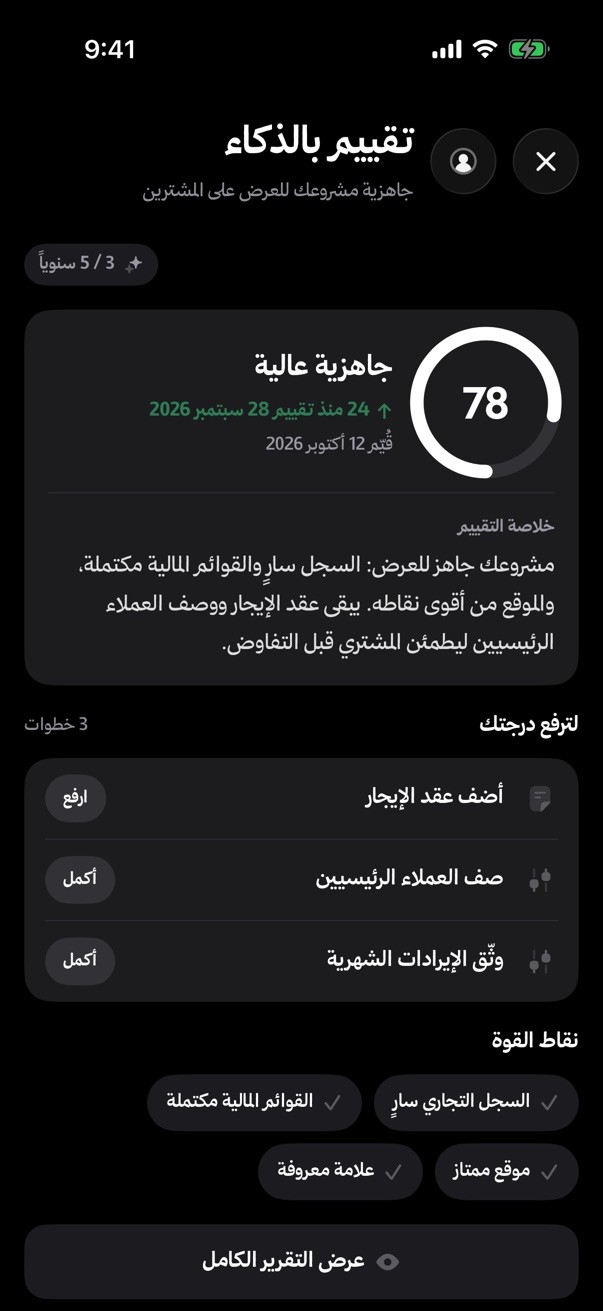
A reading of your opportunity that shows its strengths and what's missing before buyers see it.
If you choose a managed deal, follow its stages and book sessions with your deal manager from the app.

Set the sector, city and price, and get notified when a matching opportunity is published.
About alerts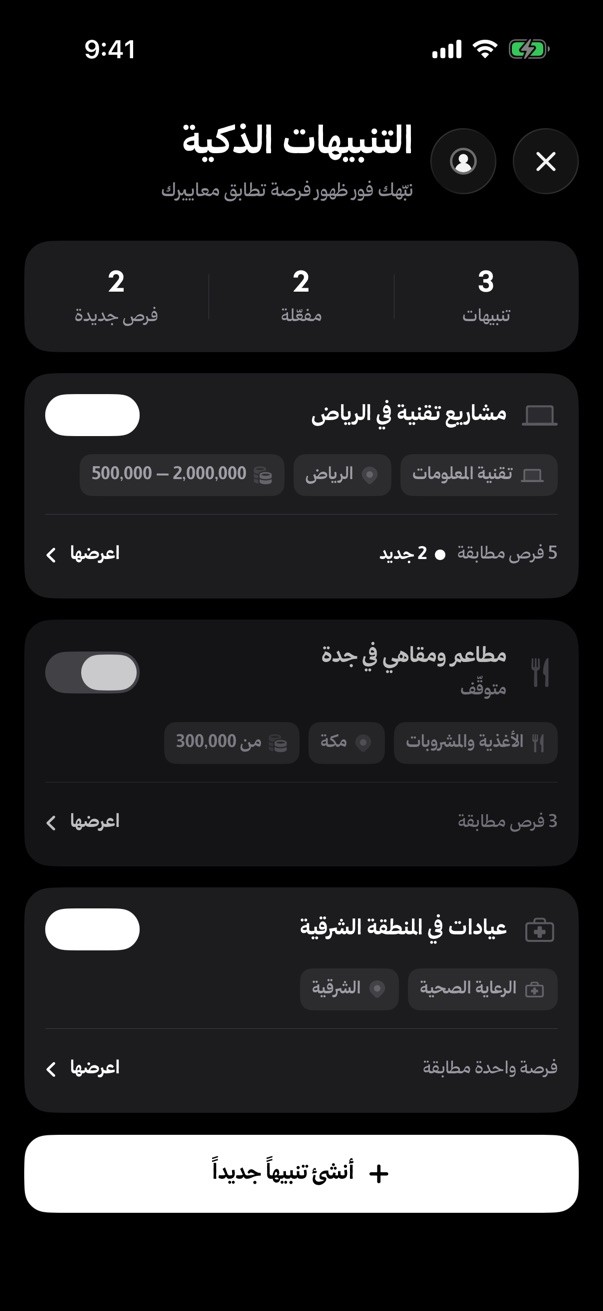
Put opportunities side by side: price, offer type and minimum entry.

Turn it on and the app opens only with your face, even when your phone is unlocked.
Shrink it and move around the app while the meeting goes on.
Your message waits and sends itself when you're back online.
Add meetings and sessions to your phone's calendar in one tap.
Photograph it and the app reads the transfer number for you.
Switch the app's language from settings anytime.
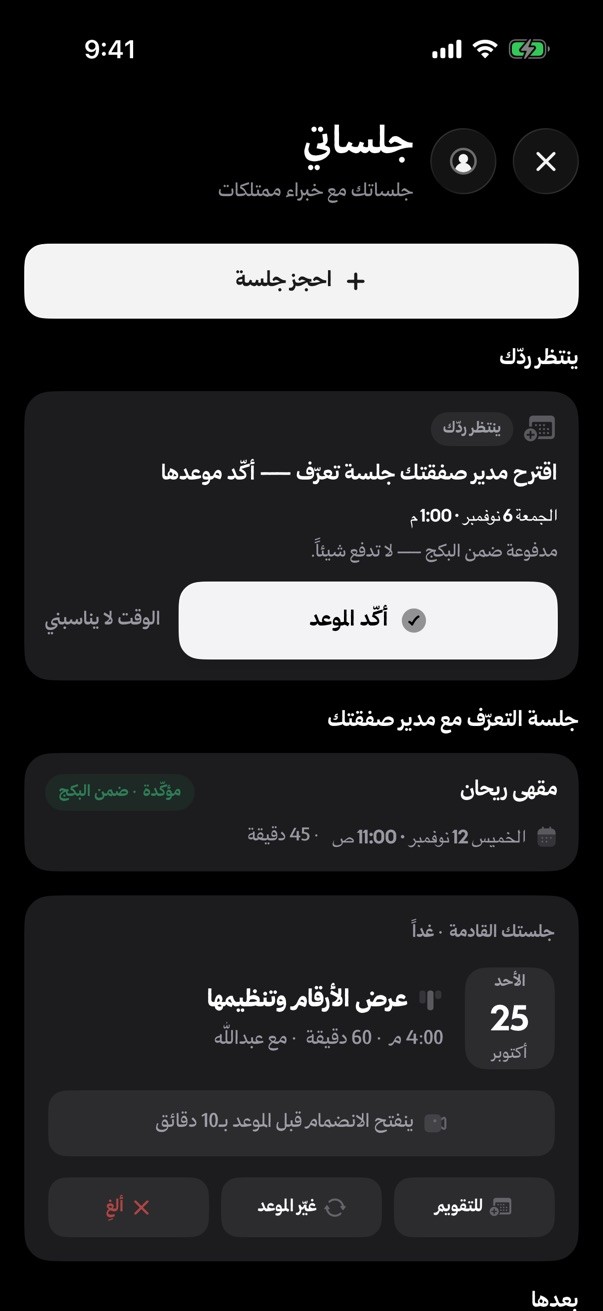
Book a session with an expert, join the room from the app, and get its summary afterwards.
About expert sessions
Order a service for your project and follow it to delivery.
About services
Your own link, your clients, and the commission you've earned, in your pocket.
About the brokers programNo commitment on the platform without a verified identity.
About verificationBefore the agreement, the other party sees only two names, and no phone number or email passes between you.
The opportunity's documents open inside the app after the NDA, with no downloading or sharing.
Your sign-in is stored in the iPhone Keychain, and you can lock the app with Face ID.
It's a free download from the App Store. Sign in with the same account and you'll find your project, chats and plan just as they are on the website.
No. Sign in with your Mumtalakat account, or create one in the app with your phone number.
iPhone with iOS 15 or later.
Not yet. On Android or a computer, use the platform in your browser at app.mumtalakat.sa with the same account.
Yes, once you allow them on first launch. Choose which ones you get in the app's notification settings.

